Cedar Coast Collective
Cedar House, Airport City, Accra, Ghana
- +233 00 000 0101
- hello@cedarcoast.example
- https://cedarcoast.example
For meetings, events, seminars, and forums
Share a digital business card at a meeting, conference, seminar, or forum. Scan printed cards and remember where you met each contact so you can follow up.
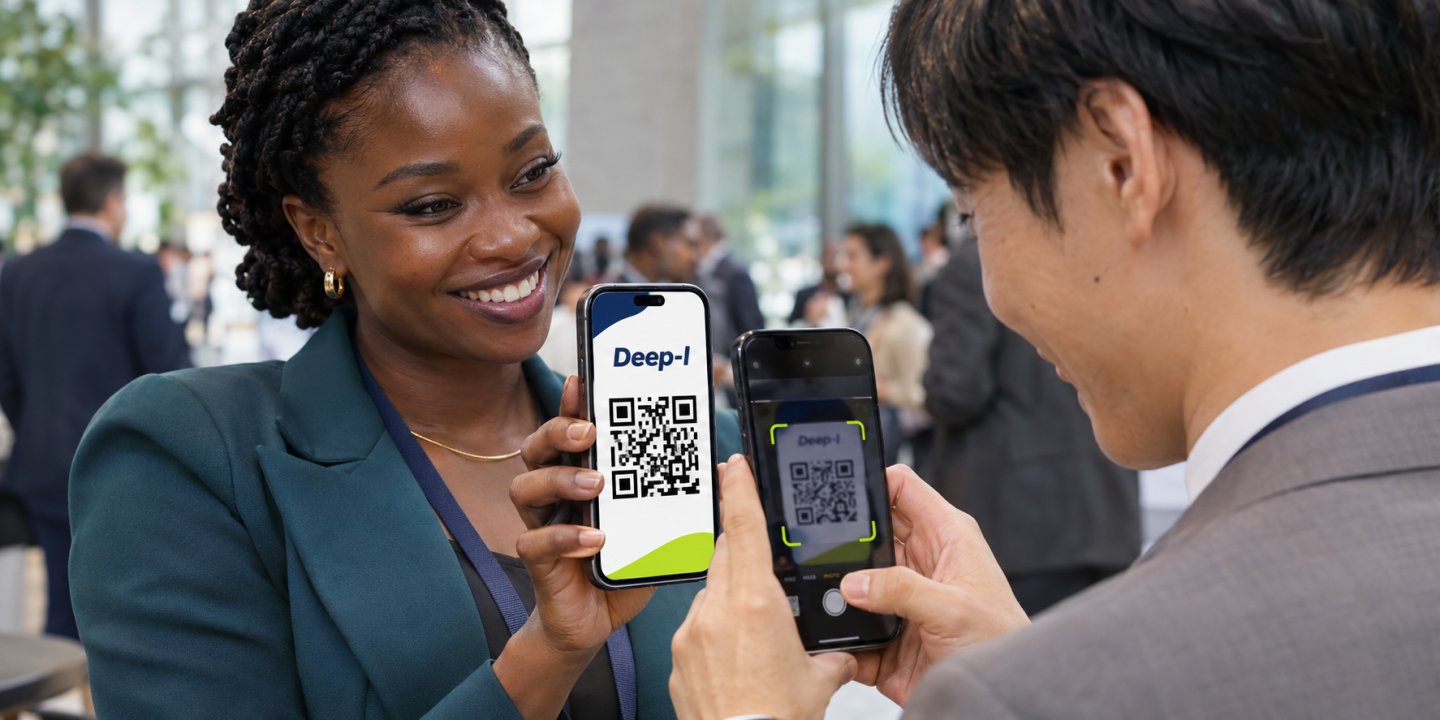
Meet Deep-I
Deep-I is a digital business card and contact management app for professionals and teams. Create a personal card or use one issued by your organization. Save the people you meet alongside the meetings, notes, and reminders that help you follow up.
Deep-I has no public social feed. Follow organizations for the professional updates you choose, without likes, trending posts, or an endless timeline.
Card gallery
Cedar House, Airport City, Accra, Ghana
Atelier Lumière, Lyon, France
Origami Court, Shibuya, Tokyo, Japan
Signal Pine House, Portland, Oregon, USA
Fig House, Westlands, Nairobi, Kenya
Casa Maré, Pinheiros, São Paulo, Brazil
How it works
Use the same flow at a client meeting, a conference, a seminar, a forum, or a networking event.

Pick the card for the occasion and decide which details to share.

Show a QR code, send a link, or scan a printed business card and review the captured details.

Save the contact with a meeting or event, capture notes, and set a follow-up.
Features
Make cards for different roles and occasions. Organizations can issue and manage cards for their teams.
Share by QR, link, WhatsApp, or email. Scan a printed card or add a contact manually.
Record with participants’ permission, transcribe on supported devices, and save a summary you can find again.
Find the people you met and remember where you met them. Keep private notes and follow-up reminders.
Follow organizations for announcements that matter to you. Mute or unfollow whenever you like.
Your administrator can connect a compatible CRM and route shared business contacts and sales leads to the appropriate destination.
Privacy by design
Your public card and your personal workspace serve different purposes. You decide which contact details go on a shared link. Your private notes stay out of the exchange.
Anyone with an active link can view the selected fields. You can revoke the link to stop future access.
Employers manage the cards they issue. Your personal cards and notes remain yours when you leave.
You start the recording, and Deep-I reminds you to ask participants first. The audio stays on your recording device.
Pricing
Pick your plan when you register your organization.
Free for 30 days
Try Deep-I with up to five team members.
USD1 per active card per month
For organizations rolling out cards across their teams.
FAQ
Choose a plan and register with a work email. Open your activation email to set a password and sign in to the Tenant Admin Portal. From there, you can invite members and issue cards.
An administrator invites the member by email from the Tenant Admin Portal. The member opens the one-time invitation link and sets a password. Members with a Deep-I account can accept using their existing password. Once activated, they can sign in to the app and use cards issued to them.
Yes. Show a QR code in person or send a card link to someone you meet at a seminar, forum, conference, or networking event. Save the contact with the event so you can remember where you met.
Yes. You start recording after asking participants. Audio stays on the recording device. On supported devices you can transcribe the conversation and save a searchable text summary.
Yes. Your organization can configure a compatible CRM connection in the Tenant Admin Portal, with separate destinations for contacts and leads if needed.
Yes. Deep-I scans printed business cards with your phone camera and extracts available details such as name, job title, organization, phone, email, and website. Review and correct the details before saving. Deep-I can also scan a digital card’s QR code or open its share link.
A recipient can open an active shared card in a browser without a Deep-I account.
Authorized administrators can issue and revoke organization cards in the Tenant Admin Portal. Members manage their personal cards separately.
A tenant administrator can deactivate the membership. The member loses access to that organization, and its issued cards are revoked. The member can still sign in to access personal cards, contacts, and notes.
The link stops opening. People can keep a copy they saved before the link was revoked.